After using WordPress on Hostinger, I discovered how simple it is to create and design a blog post using the Block Editor. Each block lets you control one piece of content, such as text, images, or columns. I appreciate that I can rearrange sections easily without breaking anything, which makes editing and organizing my post much faster.
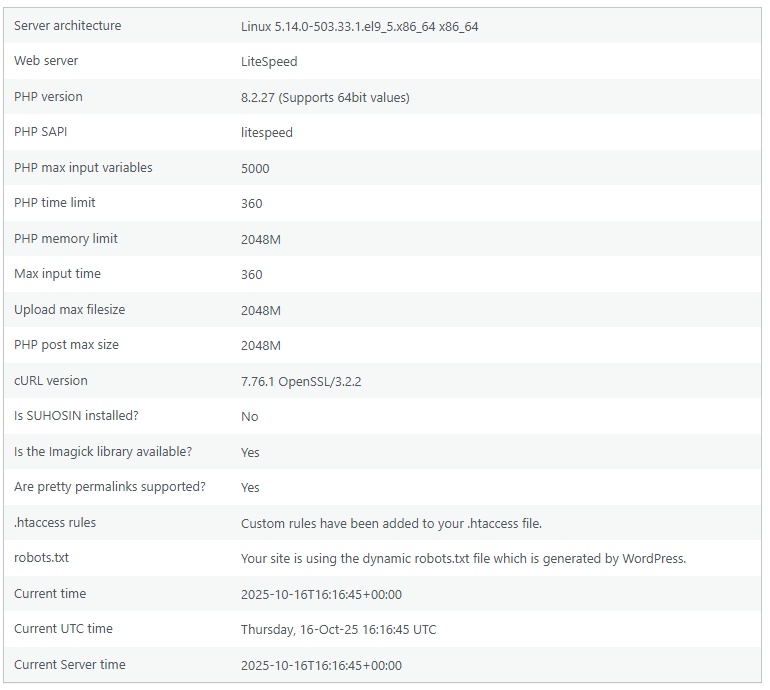
While exploring, I used several different blocks like Headings, Paragraphs, Images, Tables, Columns, and Galleries. Each block had its own purpose. For example, I used a Heading block to make titles stand out and a Gallery block to show screenshots of my site. It helped me understand how flexible the Block Editor really is compared to traditional text editors.
I also experimented with Patterns like the Fullwidth Hero Image and the Call to Action Pricing Grid. These patterns made my post look professional with minimal effort. I liked that I could replace the placeholder text and images to make it my own, instead of starting from scratch.
The overall process of writing and designing in WordPress felt user-friendly. At first, I was unsure about how to use columns and spacing, but after a few attempts, it started to make sense. I learned that previewing your post as you build helps you spot layout issues early.
After completing this assignment, I feel much more confident about managing WordPress content. My only question is how to customize the default colors and fonts in the Twenty Twenty-Five theme so that all posts match the same style. This activity provided me with a better understanding of what it’s like to work with real website content, as opposed to just plain text.
| Trying | out |
| different | blocks |
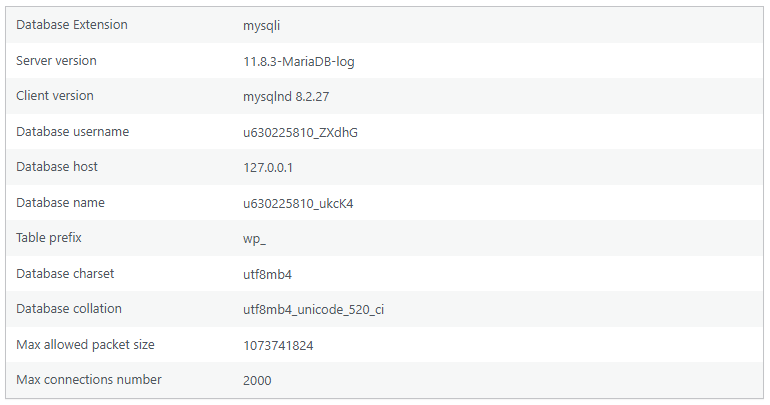
database info

Stories

sharks

Leave a Reply